
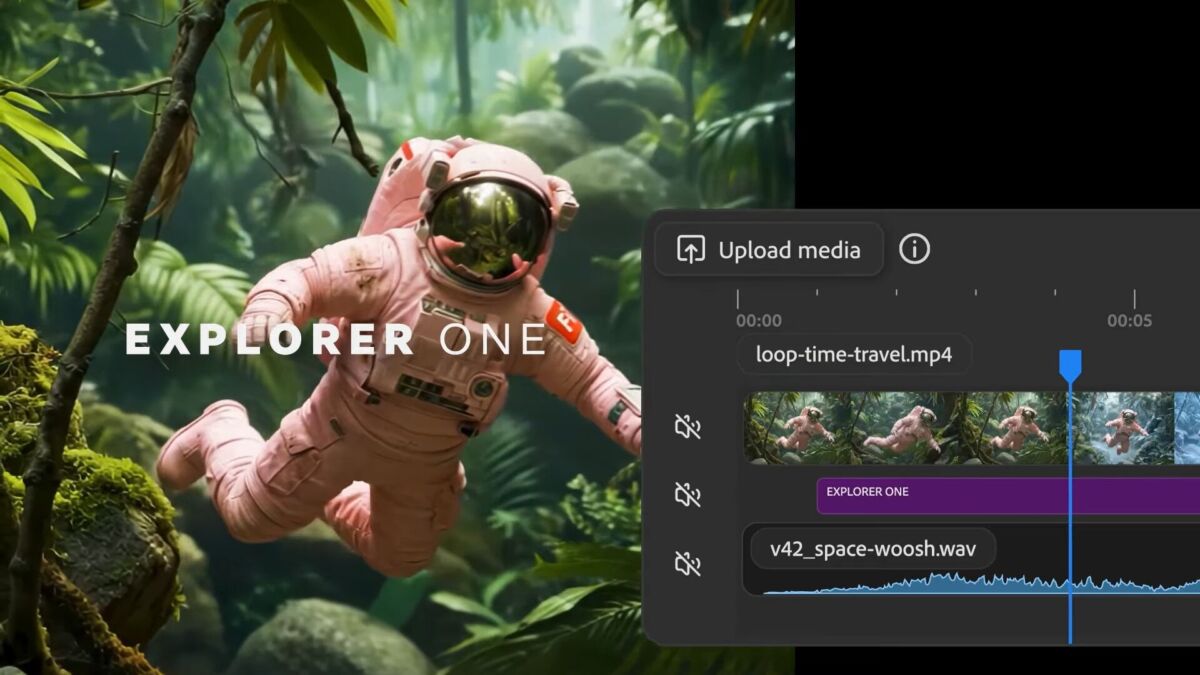
Adobe is taking another step toward normalising AI video editing by making it behave less like a novelty tool and more like professional editing software. The company has introduced a new set of features for Firefly Video that allow creators to adjust, refine, and polish AI generated footage in ways that closely resemble working with real video files.
When Firefly Video first launched in February, the response from creators was mixed. While the ability to generate video from text prompts attracted attention, the workflow was rigid. Once a clip was created, users had limited options. If the result was not quite right, the only solution was to generate a new clip from scratch. For filmmakers, editors, and visual storytellers, that lack of control was a major drawback.
Adobe has now addressed that issue by introducing editing tools that work directly on existing AI video clips. These updates were previewed at Adobe MAX and are now available to users through a public beta, signalling a shift in how Adobe sees the future of AI driven video creation.
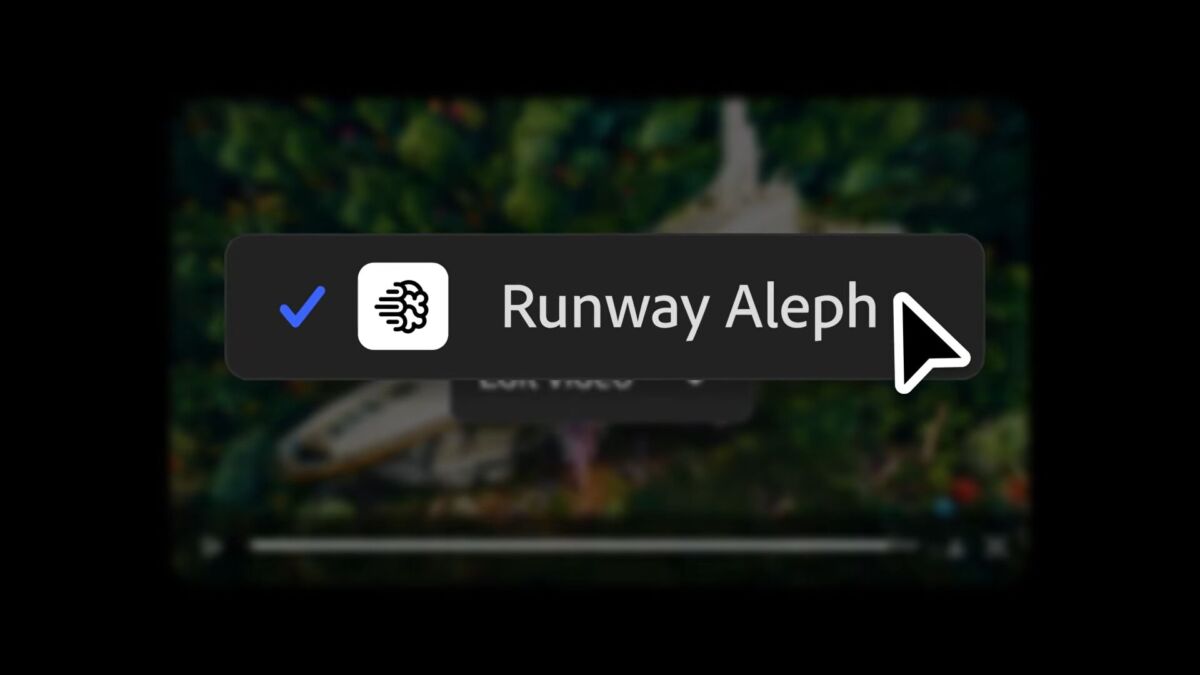
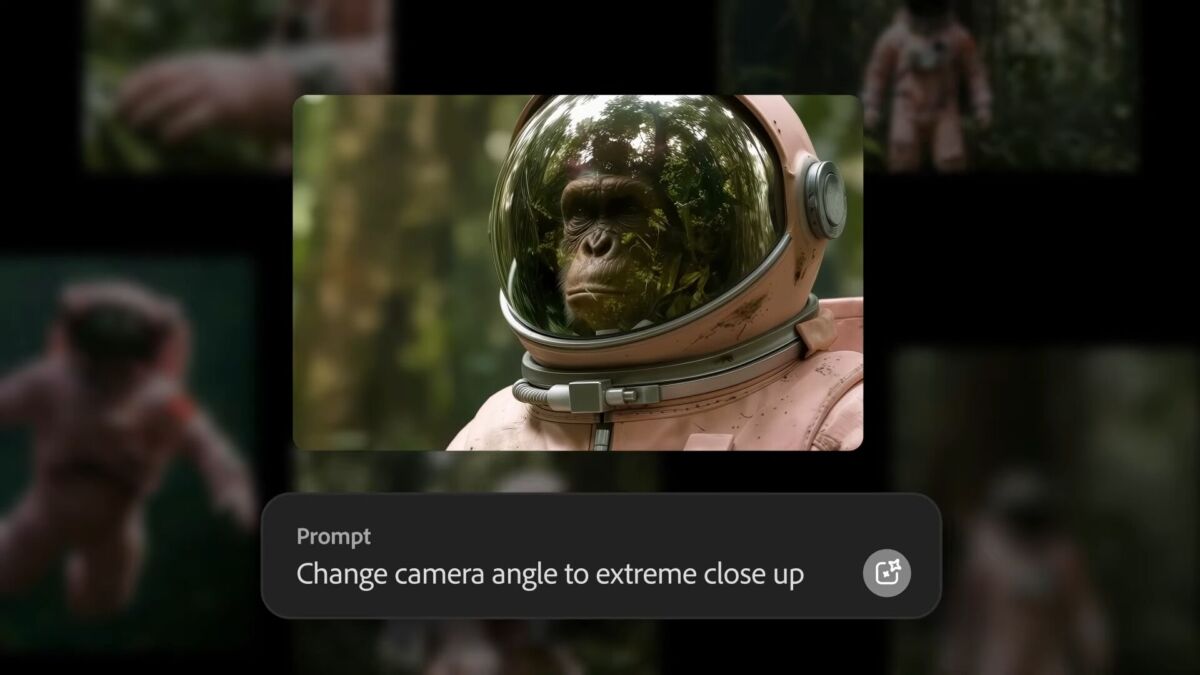
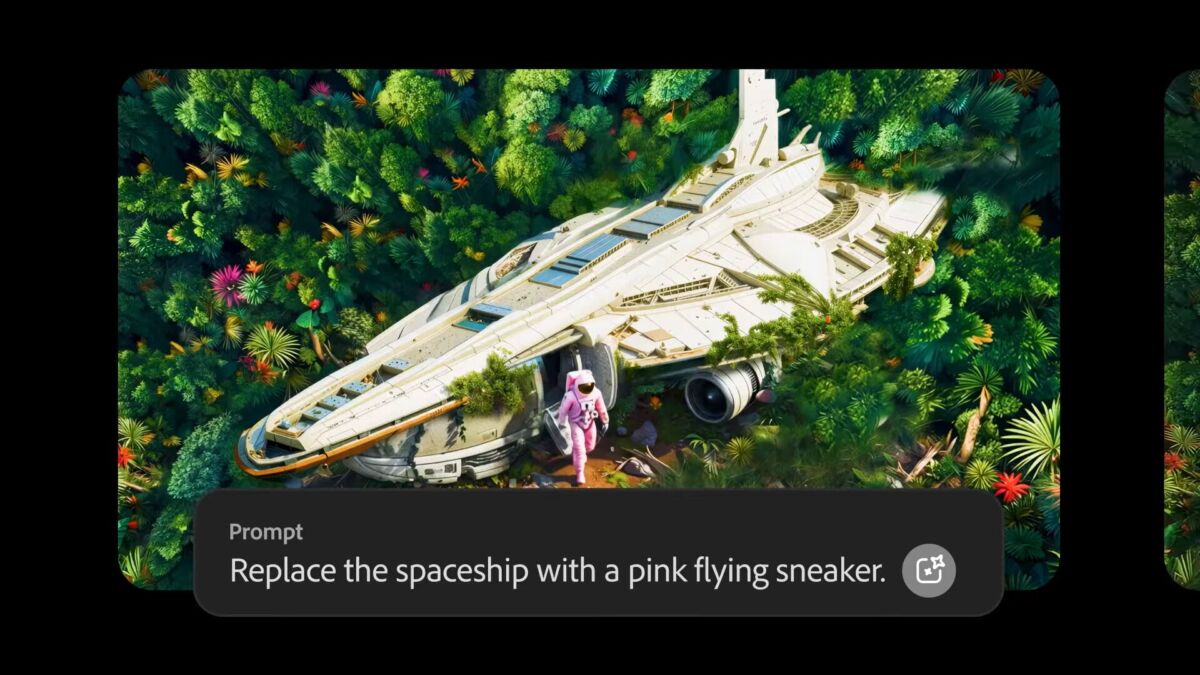
The most significant addition is a feature called Prompt to Edit. Instead of regenerating entire scenes, creators can now modify specific elements of an AI generated clip using text instructions. Users can remove or add objects, replace backgrounds, adjust lighting conditions, and even simulate changes in camera behaviour such as focal length and framing. This feature is powered by Runway’s Aleph model, which Adobe has integrated into Firefly to provide more precise control over generated footage.
Adobe says these edits are applied directly to the existing clip, allowing users to refine scenes step by step. This approach moves Firefly away from random generation and toward deliberate creative direction. Creators can continue adjusting their videos, add sound effects or music, and then move the project into Firefly’s editor or Adobe Premiere Pro for further work.
Firefly’s browser based video editor is also becoming more central to the platform. Users can now mix AI generated clips with footage shot on real cameras, bringing both elements together in a single timeline. The interface uses a multi track layout that closely resembles Premiere Pro, though simplified for web based use. This makes it easier for experienced editors to transition into Firefly without learning an entirely new system.
Beyond standard timeline editing, Firefly also supports text based video editing. Talking head footage, interviews, or dialogue driven clips can be edited by modifying the transcript, with changes automatically reflected in the video. This feature mirrors tools already familiar to users of Premiere Pro and other modern editing platforms.
Adobe is also expanding Firefly by integrating third party AI models, reinforcing the idea that AI is not only about generating content but also about making it usable in real workflows. One of the key additions comes from Topaz Labs, a company well known for its image and video enhancement software.
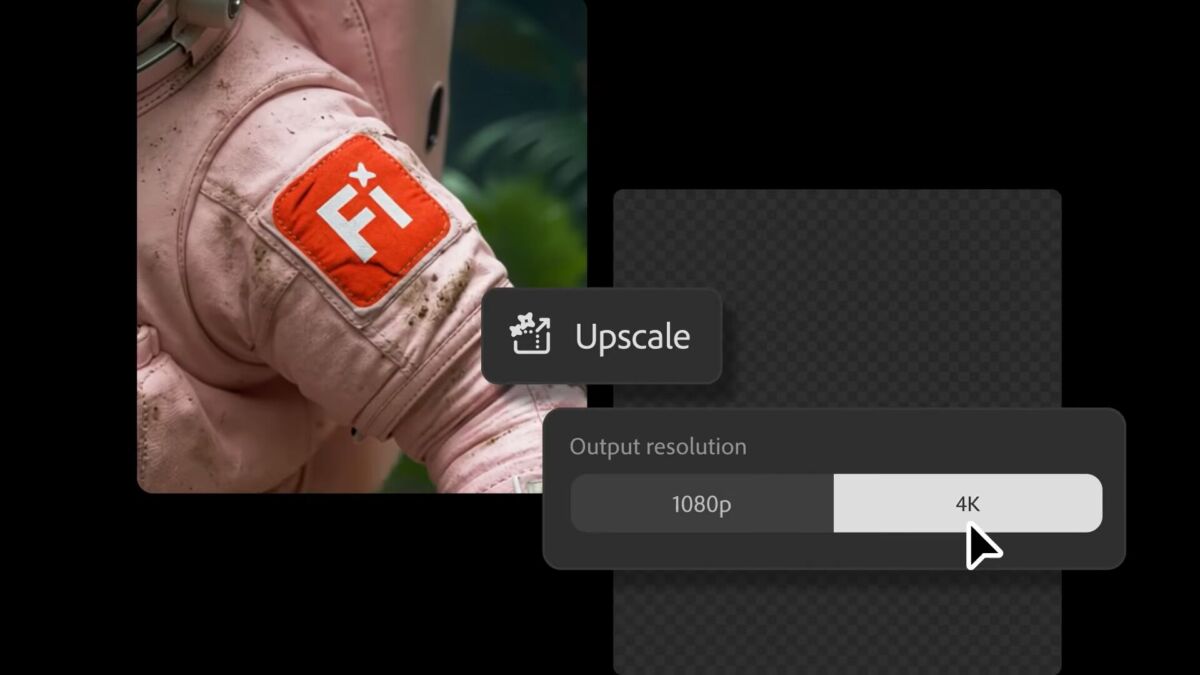
Topaz Astra is now available inside Firefly Boards, allowing users to upscale video footage whether it was generated by AI or captured by a camera. Low resolution clips can be enhanced to Full HD or 4K, making them suitable for modern publishing platforms. Adobe also notes that Topaz Astra can be used to restore older or low quality footage directly within Firefly.
Another new integration comes from Black Forest Labs with its FLUX.2 image generation model. FLUX.2 focuses on producing photorealistic results, improved text rendering, and support for multiple reference images. The model is now available across Firefly’s Text to Image feature, Prompt to Edit tools, and Firefly Boards. It is also offered as a model option in Photoshop’s Generative Fill, with support for Adobe Express expected next month.
To promote these updates, Adobe is offering unlimited image and video generation inside Firefly for a limited time. Until January 15, 2026, users on Firefly Pro, Firefly Premium, and higher credit plans can generate unlimited content. Firefly Pro is priced at $19.99 per month.
With these changes, Adobe is making its position clear. Firefly is no longer just about creating AI video from text prompts. The company wants AI generated footage to be editable, flexible, and controllable, allowing creators to work with it in much the same way they would with traditional video clips.
What is Adobe Firefly Video?
Adobe Firefly Video is an AI powered platform that allows users to generate and edit video clips using text prompts and AI assisted tools.
What is Prompt to Edit in Firefly?
Prompt to Edit lets users modify existing AI generated video clips using text commands instead of regenerating the entire video.
Can Firefly videos be edited like real footage?
Yes. Adobe’s latest updates allow AI generated clips to be edited on a timeline, combined with real footage, and refined using transcript based editing.
What role does Runway Aleph play in Firefly?
Runway’s Aleph model powers Firefly’s Prompt to Edit feature, enabling object removal, background replacement, lighting changes, and camera style adjustments.
Does Firefly support video upscaling?
Yes. With Topaz Astra integrated into Firefly, users can upscale footage to Full HD or 4K and restore low quality or older video clips.

- Panasonic LUMIX 40mm f/2 S Lens and S9 Special Edition Announced at NAB 2026 - April 21, 2026
- How to Shoot Alone Without Losing Motivation - April 14, 2026
- How “Community” Became a Marketing Strategy - February 15, 2026


![Getting Ready With Isha Ambani for Met Gala 2026 [PHOTOS]](https://camorabug.com/wp-content/uploads/2026/05/Isha-Ambani-getting-ready-met-2026-csty-010-800x600.jpg "Getting Ready With Isha Ambani for Met Gala 2026 [PHOTOS]")
